
Contents
The short answer: yes, but not automatically
AI can improve productivity when it helps people complete well-defined tasks faster without lowering quality. That is most visible in work such as drafting, summarizing, search, customer support, code assistance, data preparation, translation, routine analysis and document workflows.
The important word is “can.” AI is not a universal productivity multiplier. The same tool can help a novice worker, distract an expert, speed up a routine task, slow down an ambiguous one, or shift work from creation to review.
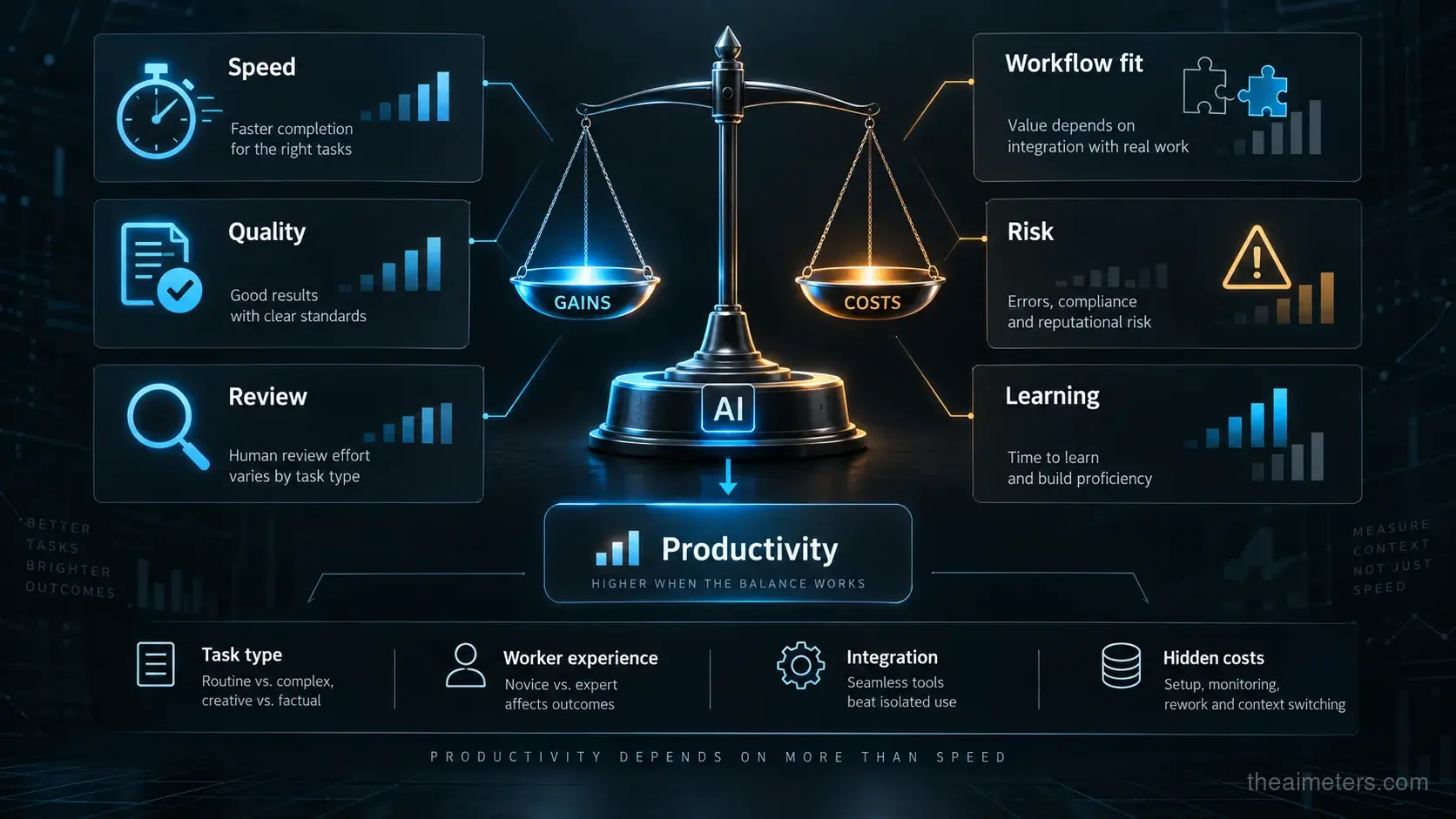
A serious answer therefore has to measure both gains and costs. Faster output is useful only if the result is accurate, safe, compliant, usable and integrated into the real workflow.
AI helps most when the task is structured and reviewable
AI tools tend to work best when the task has a clear goal, enough examples, fast feedback and a human who can judge the output. Writing a first draft, classifying tickets, summarizing a meeting or suggesting code are easier to evaluate than making a strategic decision with incomplete information.
This is why productivity gains often appear first in workflows where AI reduces friction. It can retrieve context, generate options, fill repetitive text, suggest next steps, convert formats, draft emails, explain code, prepare reports or triage alerts.
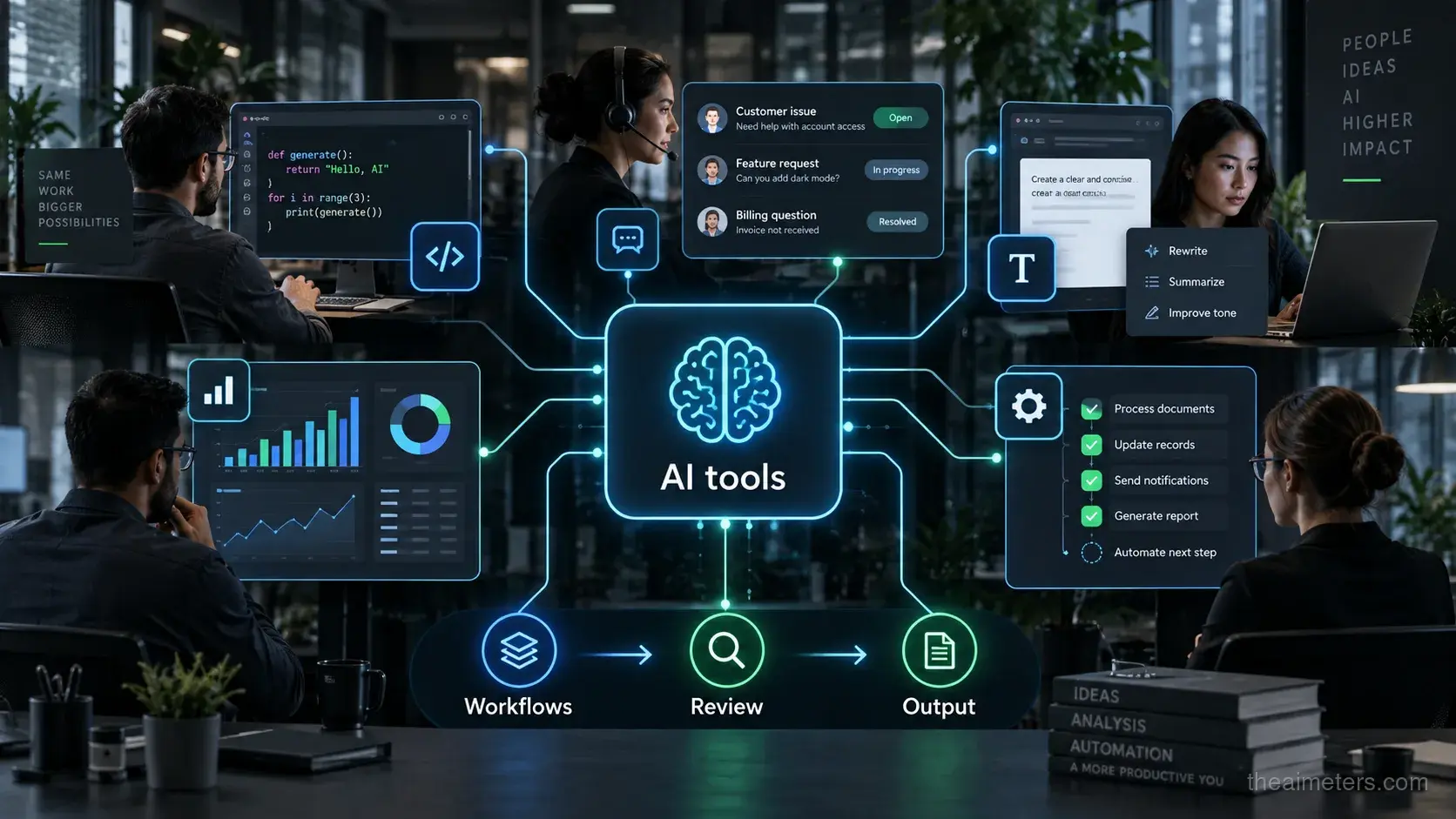
The largest gains usually come when AI is embedded in the workflow rather than used as a separate chat window. A tool that knows the ticket, repository, document, customer record or policy context can remove more work than a generic assistant that requires constant copy and paste.
What the evidence says so far
The evidence is mixed but increasingly useful. A well-known NBER study of customer support agents found an average productivity increase of about 14%, with larger gains for less experienced workers. The tool helped spread stronger practices from skilled agents to newer ones.
The 2026 Stanford AI Index summarizes a broader pattern: productivity gains are strongest in structured, measurable work, while results are smaller or less certain for tasks requiring deeper reasoning, judgment or long-term accountability.
Some developer studies also show caution. METR reported that early-2025 AI tools slowed experienced open-source developers in a randomized setting, then later warned that new studies became harder to interpret because developers increasingly avoided working without AI. That tension is the point: productivity depends on task selection, tool maturity and measurement design.
Developers show why AI productivity is hard to measure
Software development is one of the clearest examples of both promise and complexity. AI coding tools can autocomplete code, explain unfamiliar files, write tests, draft documentation, migrate APIs and help developers explore a large codebase.
But code is not useful simply because it appears quickly. It must compile, pass tests, fit the architecture, avoid security issues, remain maintainable and be understood by the team. AI can reduce typing while increasing review burden if the output is plausible but subtly wrong.
AI agents add another layer. They can attempt multi-step tasks, run tools and edit files, but their value depends on boundaries, test coverage, permissions and human review. A good agent workflow can save time; a poorly controlled one can create rework.
How companies should measure AI productivity
The best measurement starts with the workflow, not the tool. A company should ask what outcome matters: resolved tickets per hour, fewer defects, faster release cycles, better documentation, shorter analysis time, higher customer satisfaction or lower error rates.
Good measurement compares AI-assisted work against a realistic baseline. It should include quality checks, review time, rework, compliance issues, worker satisfaction and downstream impact. A task that is 30% faster but produces more mistakes may not be a productivity gain.
The most credible approach is incremental: pick a workflow, define success metrics, run a pilot, measure both speed and quality, then expand only where the result is clearly positive.
What comes next for AI and productivity
The next phase is likely to come from AI integrated into tools people already use: editors, support systems, spreadsheets, CRMs, design tools, security platforms and workflow automation products. The less context workers have to provide manually, the more useful AI can become.
AI agents may also change the equation by handling longer tasks across multiple tools. But that will raise the importance of permissions, audit logs, evaluation, rollback and human approval for consequential actions.
The realistic conclusion is neither hype nor dismissal. AI can improve productivity, sometimes substantially, but only when organizations redesign workflows, measure outcomes honestly and treat human review as part of the system rather than an afterthought.